
Download My Drivers – driver backup, driver recovery, driver management, system recovery, computer maintenance
Overview
My Drivers is a utility-focused tool designed to simplify the process of managing and preserving essential drivers on Windows-based systems. Its primary purpose is to detect, back up, and restore drivers—critical components that enable hardware functionality—especially in scenarios involving system crashes, reinstallation of Windows, or hardware upgrades. The app addresses a common pain point for users who face difficulties restoring full system functionality after a fresh OS install due to missing or outdated drivers. By automating driver backup and recovery, My Drivers reduces the technical burden on users, particularly those without advanced IT knowledge.
Target users include home users, small business operators, and individuals managing personal or office computers who value system stability and quick recovery options. The tool supports proactive computer maintenance by allowing users to audit installed drivers and make informed decisions about their system’s health. Although the developer did not provide additional technical details about the app’s development background, its longevity—first released in 2013—suggests consistent functionality and user trust over time. Real-world use cases include preparing a system before a major update, recovering from a corrupted installation, or transferring hardware configurations between machines.
Within the broader productivity and system utility ecosystem, My Drivers fills a niche by offering a lightweight, focused solution for driver preservation. Unlike comprehensive system optimization suites, it concentrates solely on driver lifecycle management, ensuring reliability and minimal resource usage. This focused approach enhances its value for users seeking a dependable, no-frills tool for system recovery and maintenance.
Key Features & Functionality
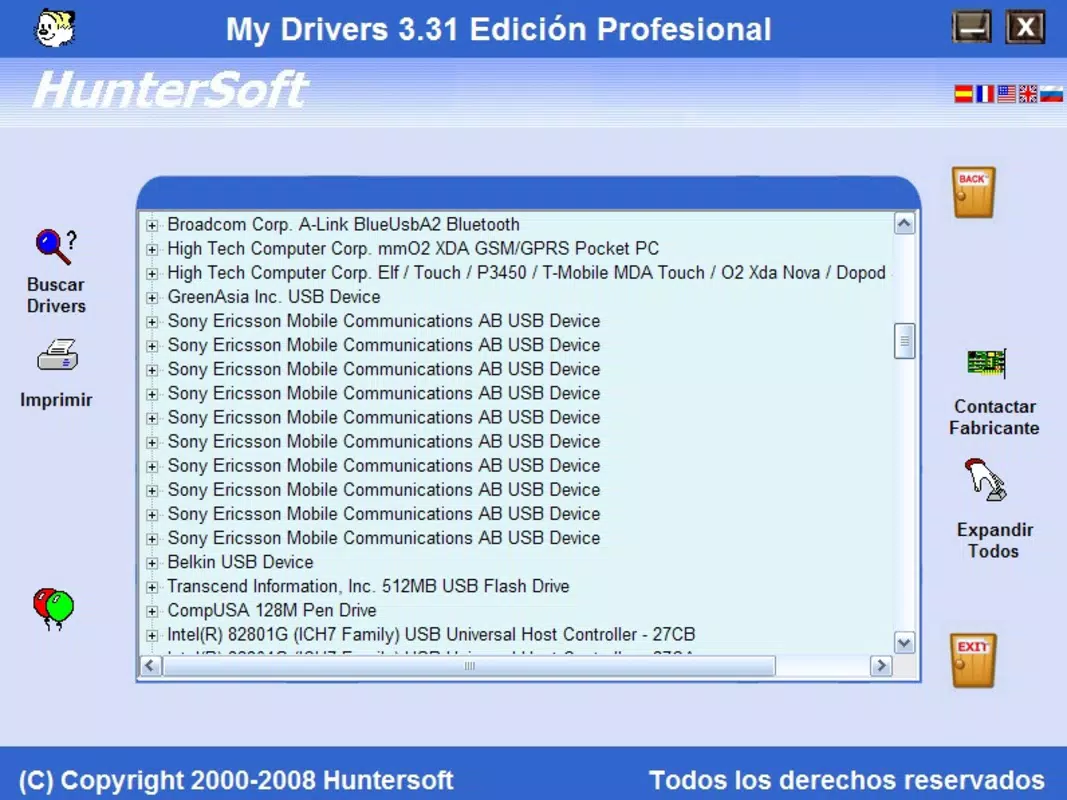
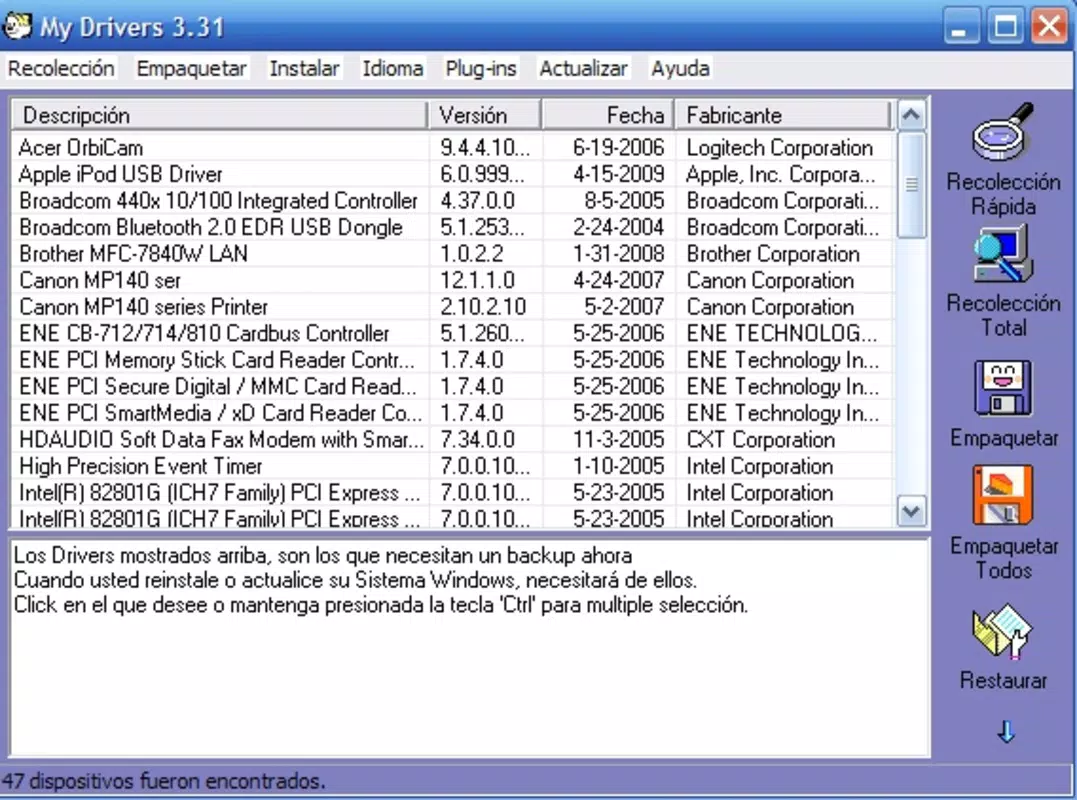
- Effortless Driver Detection: The app automatically scans the system to identify all installed drivers, providing a clear and immediate overview of hardware compatibility. This feature allows users to quickly verify which drivers are active and whether they are up to date, reducing the risk of hardware malfunction.
- Easy Backup Creation: With minimal user input, My Drivers enables the creation of a complete driver backup. This is particularly useful before performing a clean Windows installation, system format, or major hardware change, ensuring that all necessary drivers are preserved for future use.
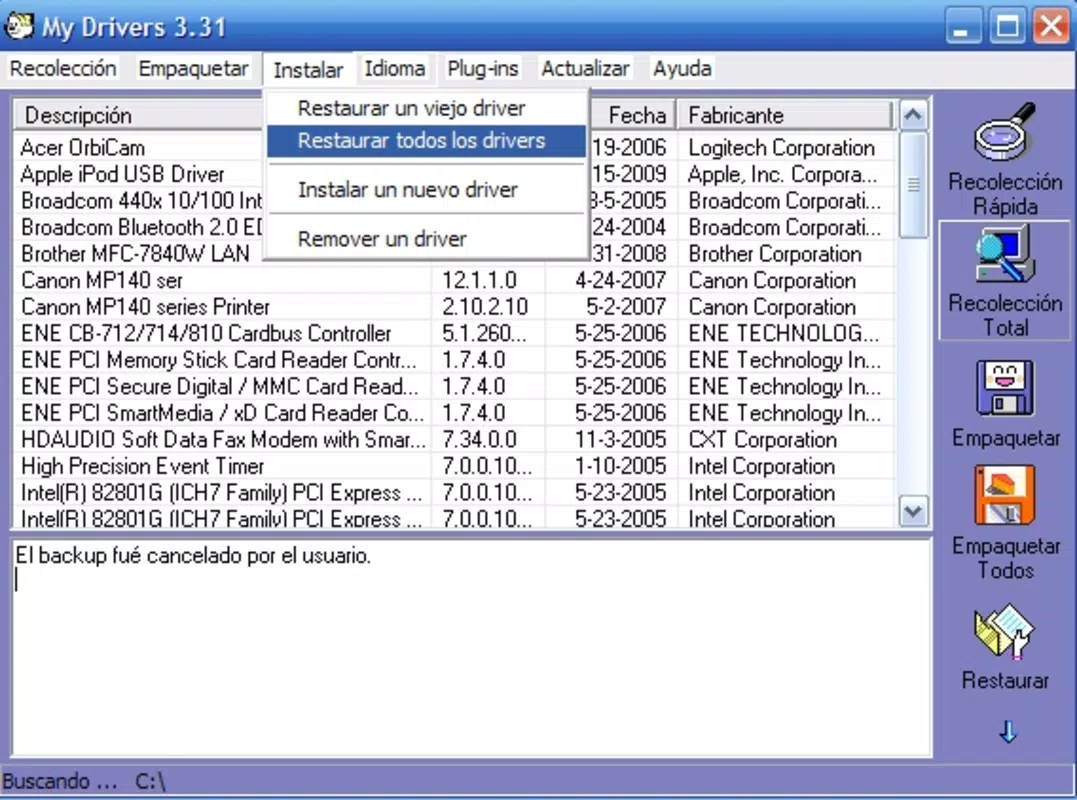
- Automatic Recovery Post-Crash: In the event of a system failure or accidental driver deletion, the app facilitates the automatic restoration of backed-up drivers. This significantly reduces downtime and eliminates the need to manually search for and install drivers from external sources.
- User-Friendly Interface: Designed with accessibility in mind, the interface is straightforward and intuitive. Even users with limited technical experience can navigate the app, view driver lists, and perform backup or recovery operations without confusion.
- Driver Management Options: Users can review all installed drivers and choose to retain or remove specific entries. This feature supports system optimization by allowing users to clean up outdated or unnecessary drivers, improving overall performance and stability.
For example, a user preparing to reinstall Windows can use My Drivers to create a backup before wiping the drive. After the reinstallation, they can restore all drivers in minutes, avoiding the tedious process of downloading drivers individually from manufacturer websites. Similarly, someone experiencing a sudden system crash can recover full functionality faster by using the app’s recovery function, minimizing disruption to work or personal tasks.
Interface, UX & Performance
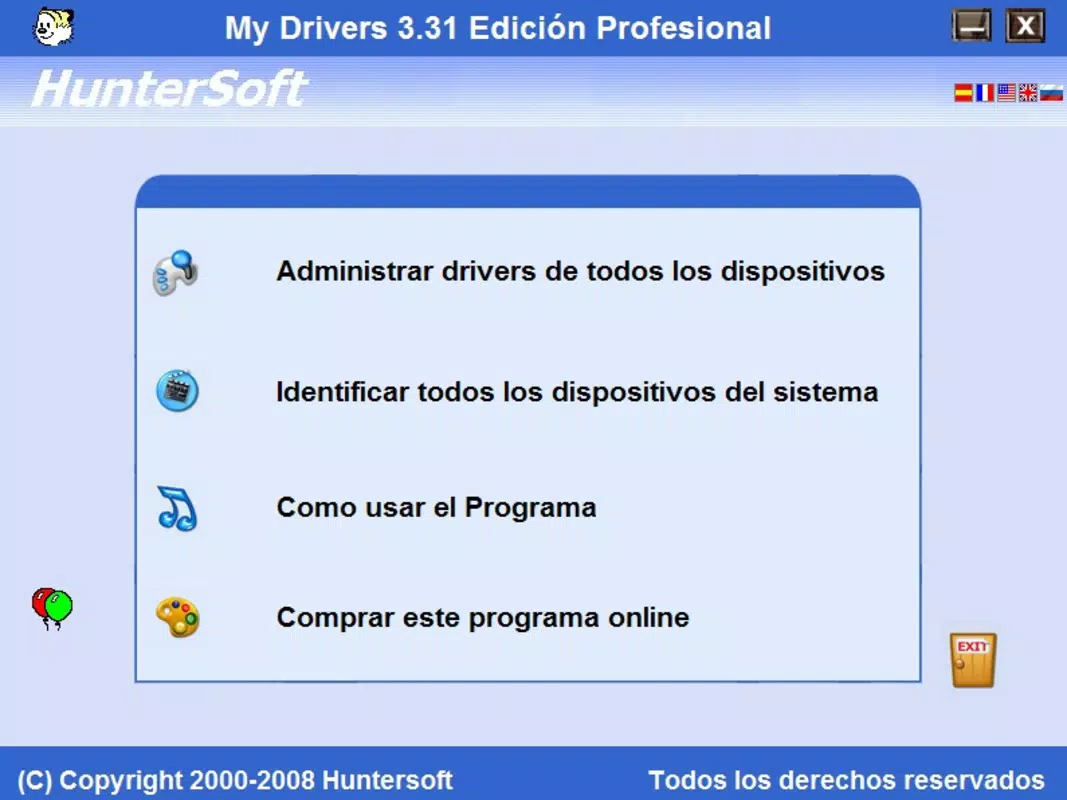
The interface of My Drivers reflects a minimalist design philosophy, prioritizing clarity and functionality over visual embellishments. The layout is structured around a central dashboard that displays detected drivers, backup status, and recovery options. Navigation is linear and consistent, with clearly labeled buttons and minimal on-screen clutter, contributing to a smooth user experience.
Interaction flow is straightforward: users initiate a scan, review results, create a backup, or restore from an existing archive. The app responds promptly to user actions, with minimal delay in scanning and processing tasks. Although the developer did not list formal performance metrics, the lightweight file size of 4.1 MB suggests optimized resource usage, making it suitable for older or low-spec systems.
Responsiveness across different device categories appears to be stable, though specific compatibility details were not disclosed. The app maintains consistent behavior during backup and recovery operations, with no reported crashes or freezes in available documentation. Stability is further supported by its long-standing presence in the Windows ecosystem since 2013. Overall, the UX is efficient and task-oriented, aligning with the expectations of a utility tool focused on reliability and simplicity.
Platform Compatibility & Technical Requirements
My Drivers is designed exclusively for the Windows operating system. It is compatible with Windows platforms, though specific OS versions were not listed by the developer. The app has a file size of 4.1 MB, which indicates a lightweight footprint and minimal impact on system resources.
Given its release date in 2013 and current version (1.0.1.0), it may support older Windows versions such as Windows 7, 8, and 10. However, compatibility with newer versions like Windows 11 was not confirmed. The developer did not specify minimum OS requirements, so users are advised to test the app in their environment before full deployment.
Since the app is free and distributed as a standalone executable, installation is straightforward and does not require administrative privileges in most cases. No additional dependencies or runtime environments were mentioned, suggesting a self-contained design.
Pros and Cons
- Lightweight and fast to install and run
- Simple interface suitable for non-technical users
- Effective driver backup and recovery functionality
- Free to download and use
- Designed for long-term system maintenance
- Only available for Windows (no macOS or Linux support)
- Version and OS compatibility details not clearly documented
- No automatic update notifications or built-in update checker
- Limited to driver management—no broader system optimization features
- Outdated release date may raise concerns about modern security integration
FAQ
Is My Drivers safe to download and install?
Yes, My Drivers is a free utility tool that does not contain malware or intrusive ads. However, users should only download it from official or trusted sources to ensure authenticity.
Can I use My Drivers on Windows 11?
While the app was released in 2013 and may work on Windows 11, the developer did not confirm compatibility. Users are advised to test it in a controlled environment before relying on it for critical tasks.
Does My Drivers support automatic driver updates?
No, the app focuses on backup and recovery, not on detecting or installing updated drivers. Users must manually update drivers through other tools or manufacturer websites.
Is there a mobile version of My Drivers?
My Drivers is a desktop application designed for Windows systems. There is no mobile version available for Android or iOS devices.
How often should I back up my drivers?
It is recommended to back up drivers before major system changes such as OS reinstallation, hardware upgrades, or system updates. Regular backups ensure you’re prepared for unexpected failures.
Final Thoughts
My Drivers stands out as a reliable, no-nonsense tool for users who prioritize system stability and quick recovery. Its ability to detect, back up, and restore drivers with minimal effort makes it an essential utility for anyone managing a Windows PC. While it lacks modern features like automatic updates or cross-platform support, its core functionality remains effective and efficient. The app’s free pricing model and lightweight design further enhance its accessibility.
It is particularly valuable for home users, IT beginners, and professionals who need a dependable method to preserve hardware functionality. For those preparing for system maintenance or recovering from crashes, My Drivers delivers tangible peace of mind. Its long-standing presence in the Windows ecosystem speaks to its reliability and consistent performance.
Download My Drivers now


